Showit Gallery
Plan a Showit gallery for your photography website. Build a portfolio sequence that shows range and makes the work easy to browse.
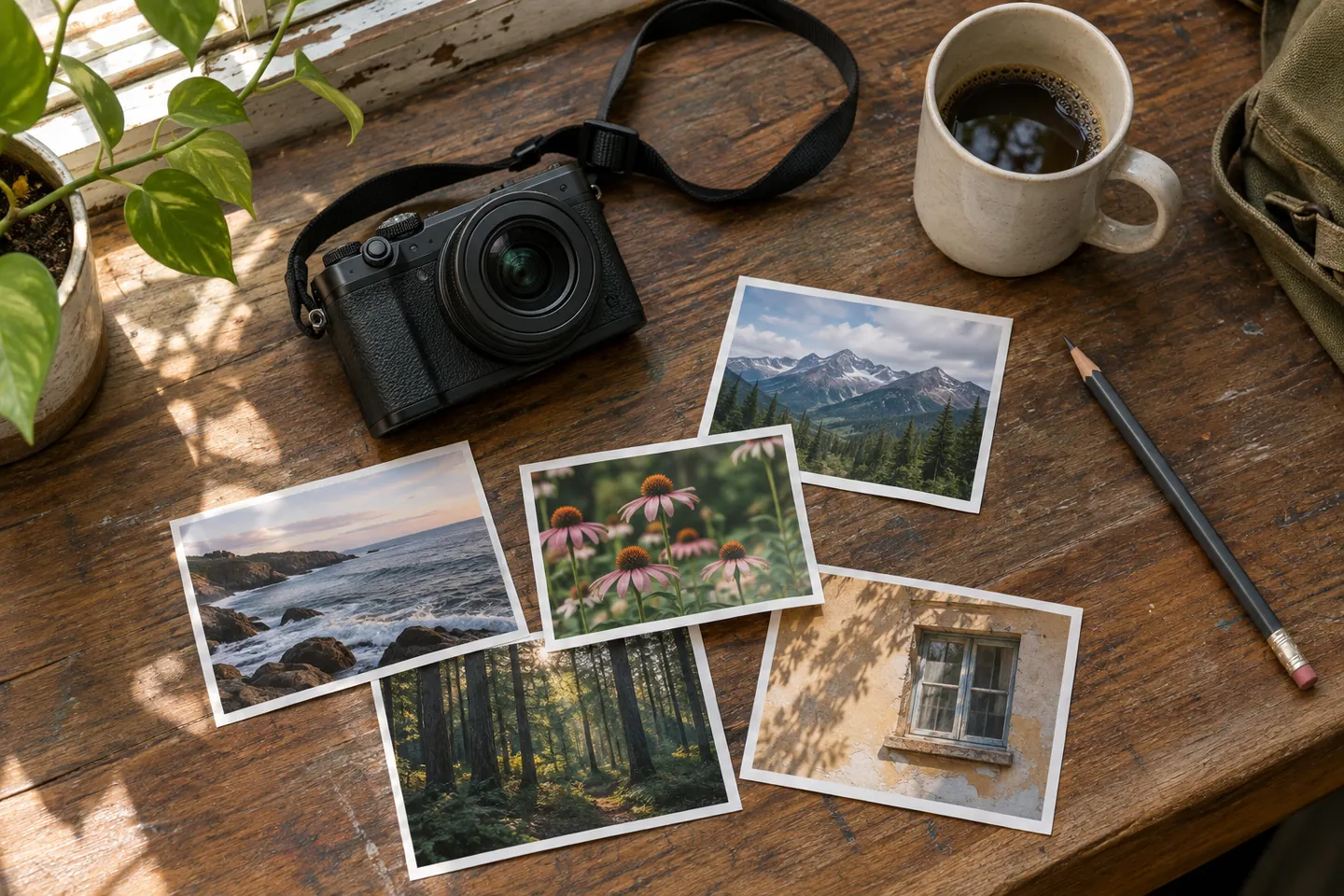
In natural light
Start with a portrait in its setting.
Compare a wide frame and a detail


Build the page
Start with a frame that tells visitors what they are looking at. Follow with medium and detail shots. Compress exports and describe informative images in plain language.
Edit a nine-frame gallery
Start with twelve candidate images. Remove any frame that repeats another angle, then order the remaining images around context, action, and detail. Write short captions where a subject, place, or production choice needs explanation.
Choose frames with different jobs
Use a wide frame to orient the viewer, then a close frame to reveal a material, gesture, or production choice. If two images tell the same part of the story, keep the stronger one. Look at the pair on mobile before deciding where captions belong.
Check it before launch
Check the first few images on a mobile connection and verify that the layout stays stable as images load. A viewer can describe what the project was about after the first three images. Check exports at the width where they are displayed and make sure no crop cuts through a key detail.
Working in Showit
Compare the desktop and mobile views before publishing. Check whether the reading order, line breaks, and call to action still make sense when the layout is rearranged for a narrow screen.
Compare examples
Breve Gallery for Showit
Breve on Showit: gallery for wedding and elopement photography. See a sample and a launch check.
Espressino Gallery for Showit
Espressino on Showit: gallery for personal branding photography. See a sample and a launch check.
Marocchino Gallery for Showit
Marocchino on Showit: gallery for editorial and product photography. See a sample and a launch check.
Mélange Gallery for Showit
Mélange on Showit: gallery for lifestyle and family photography. See a sample and a launch check.
Red Eye Gallery for Showit
Red Eye on Showit: gallery for music and event photography. See a sample and a launch check.
Ristretto Gallery for Showit
Ristretto on Showit: gallery for commercial and architectural photography. See a sample and a launch check.
Vienna Gallery for Showit
Vienna on Showit: gallery for portrait and fine-art photography. See a sample and a launch check.