Showit Shop Page Collection
Compare Showit examples for the shop page. Explain what customers receive and how they get it.
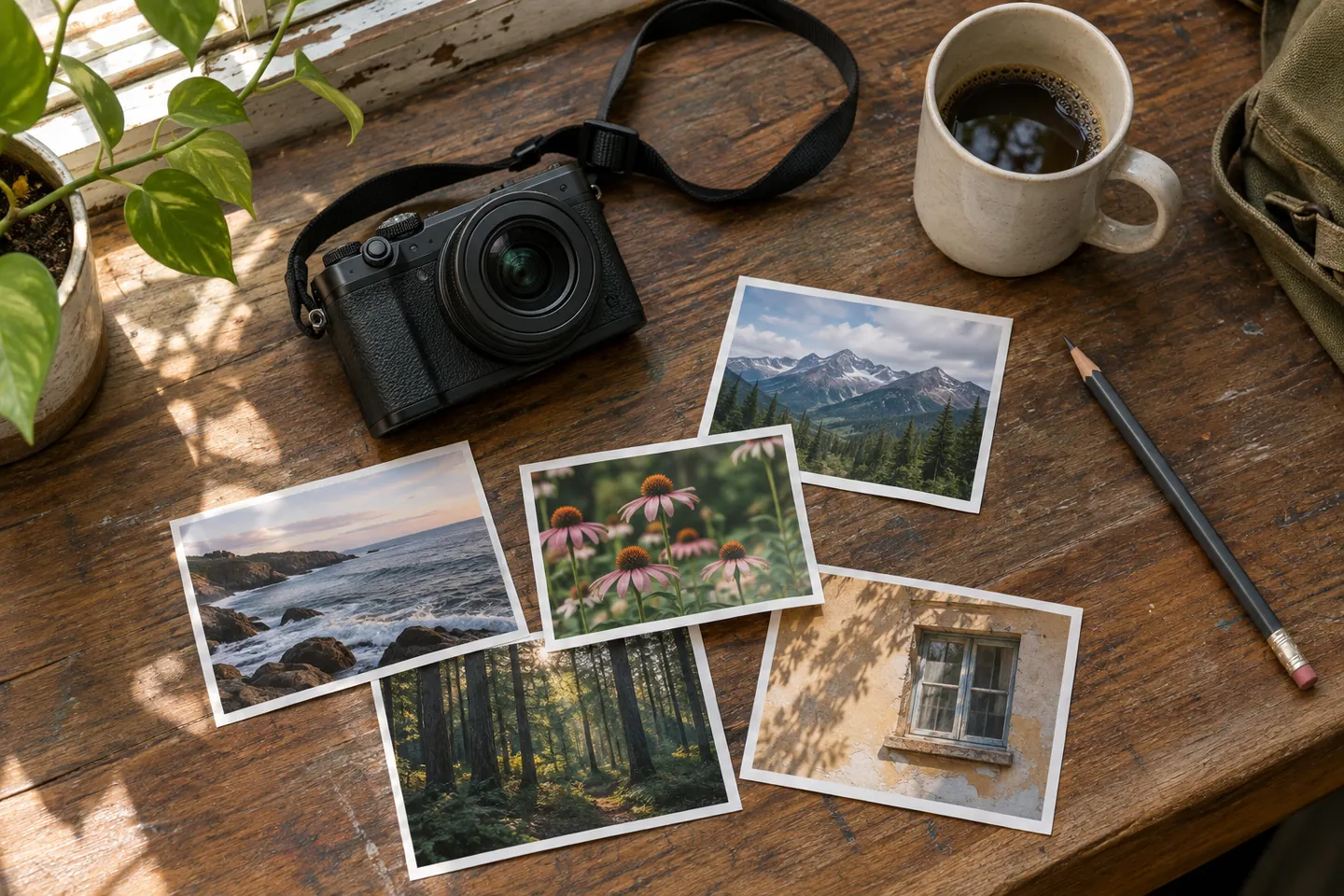
Draft one complete listing
Describe the subject, format, dimensions, material, delivery method, and relevant limitations. Add a detail image when texture or finish affects the decision. If the item is digital, state the file type and intended use. Open two examples below and compare how each handles the task. A shopper can tell what arrives and when to expect it. Check the listing, cart, checkout, and confirmation against the same sample order.
Show what arrives
Describe the physical item or files the customer receives and include any practical limits. A print listing can state paper size and image area separately. For a digital item, explain which file format is delivered and how the customer accesses it.
Explore the collection
Breve Shop Page for Showit
Breve on Showit: shop page for wedding and elopement photography. See a sample and a launch check.
Espressino Shop Page for Showit
Espressino on Showit: shop page for personal branding photography. See a sample and a launch check.
Marocchino Shop Page for Showit
Marocchino on Showit: shop page for editorial and product photography. See a sample and a launch check.
Mélange Shop Page for Showit
Mélange on Showit: shop page for lifestyle and family photography. See a sample and a launch check.
Red Eye Shop Page for Showit
Red Eye on Showit: shop page for music and event photography. See a sample and a launch check.
Ristretto Shop Page for Showit
Ristretto on Showit: shop page for commercial and architectural photography. See a sample and a launch check.
Vienna Shop Page for Showit
Vienna on Showit: shop page for portrait and fine-art photography. See a sample and a launch check.