Ristretto Blog Sidebar for Squarespace
Ristretto on Squarespace: blog sidebar for commercial and architectural photography. See a sample and a launch check.
Read next
Pair a feature about an architecture commission with a short list of related process articles.
Browse guidesApply it to a sample brief
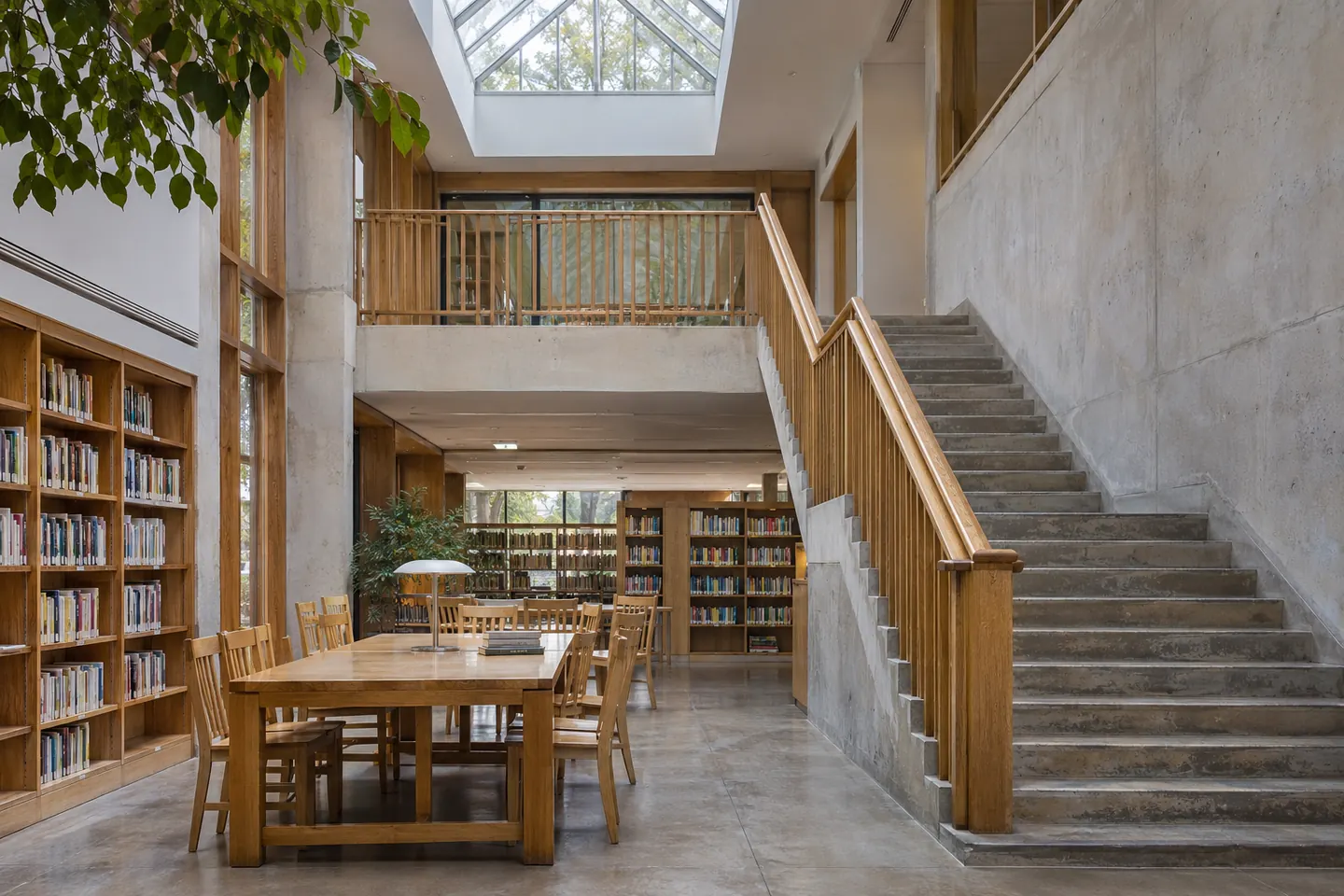
In the story about the architectural commission for a renovated library, add one related project and one service link. Keep equipment notes in the story where readers have the context.
Build the page
Choose up to three elements: a brief introduction, a short category list, or a link to the portfolio. Keep these in the sidebar on wide screens and below the article on small screens.
Choose what earns a sidebar slot
Write down the next question a reader is likely to have after seeing the images. Link to a project that answers it, or use a service page when the reader needs booking information. Give each link a descriptive label.
Compare two related links
A second project can show range when the article already explains the service. A service link helps if the reader needs to check what is included. Try both next steps with someone who has just read the article.
Check it before launch
Check the page with keyboard navigation and on a narrow screen. Readers should reach the article before the optional links. The article remains the first thing a keyboard or screen-reader user reaches. On mobile, the related links follow the story without splitting a paragraph or gallery.
Working in Squarespace
Preview your page at a wide and a narrow width after adding realistic content. Test how longer text and mixed image sizes behave in your chosen layout, then repeat the task on the published site.